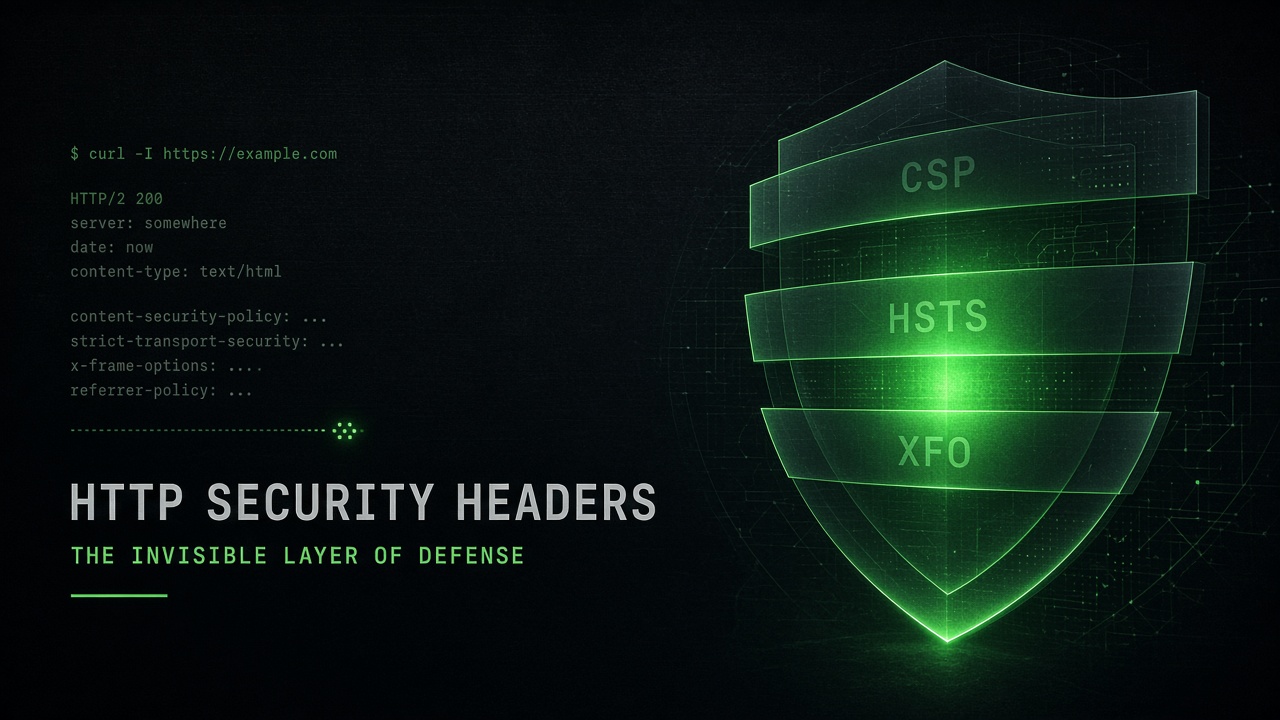
A green padlock answers one question: did this response travel encrypted? It does not answer whether the page can be framed by an attacker, whether scripts may load from anywhere, or whether cookies will ride along on every cross-site request.
That second layer is HTTP security headers. They are cheap to ship, easy to ignore, and expensive when missing during an incident review.
Encryption is not a browser policy
TLS protects data in transit. Security headers protect assumptions in the client:
- Who may embed this page (
X-Frame-Options/frame-ancestors) - Which scripts, styles, and connections are allowed (
Content-Security-Policy) - Whether the browser should ever speak cleartext again (
Strict-Transport-Security) - How much referrer data leaks to third parties (
Referrer-Policy) - Whether the browser may invent powerful features (
Permissions-Policy)
If your threat model includes XSS, clickjacking, session fixation, or “users on hostile Wi‑Fi,” headers are not polish. They are controls.
 Headers are policy for the browser — encryption alone does not decide what the page may do
What goes wrong without them
Missing or weak headers do not always look like a CVE with a logo. They look like ordinary bugs getting louder:
| Gap | What attackers gain | Typical symptom |
|---|---|---|
No CSP (or unsafe-inline everywhere) |
XSS becomes full account takeover faster | Inline script gadgets, stolen tokens |
| No framing defense | Clickjacking / UI redress | Invisible iframe over a “Confirm” button |
| No HSTS | SSL stripping on first visit | Users land on http:// after a bookmark or ad |
| Soft cookie flags | Session theft via XSS or mixed contexts | Cookies without Secure / HttpOnly / SameSite |
| Verbose server banners | Faster fingerprinting | Server + framework versions in every response |
| Open CORS | Data exfil from authenticated browsers | Access-Control-Allow-Origin: * with credentials mistakes |
A header will not fix bad authorization. It will raise the cost of turning a small front-end bug into a full incident.
The headers that earn their keep
You do not need twenty exotic fields on day one. You need a short, enforced baseline:
Strict-Transport-Security— once HTTPS is solid, lock the host (and usuallyincludeSubDomains) with a sanemax-ageContent-Security-Policy— start report-only if you must, then enforce; prefer nonces/hashes over blanketunsafe-inlineX-Content-Type-Options: nosniff— stop MIME confusion tricksReferrer-Policy— default to something tighter than the historical free-for-allPermissions-Policy— disable camera, mic, geolocation, payment APIs you do not use- Framing control —
Content-Security-Policy: frame-ancestors 'none'(or a tight allowlist) instead of hoping nobody embeds you - Cookie hygiene —
Secure,HttpOnly, and a deliberateSameSitefor session cookies
Legacy X-Frame-Options still helps older clients. Modern policy belongs in CSP frame-ancestors. Shipping both during migration is fine.
Misconfiguration is as bad as absence
A header that is present but wrong creates false confidence:
- HSTS with a tiny
max-ageteaches the browser nothing useful - CSP that ends in
'unsafe-inline' 'unsafe-eval'is mostly theatre Access-Control-Allow-Origin: *next to credentialed APIs is a foot-gunClear-Site-Dataor cache headers used blindly can break logout or leak private responses into shared caches
Treat headers like code: review them, test them, and alert when they disappear after a CDN change.
Check your edge with HSTS & Secure Header Check
Browsers hide most of this behind “Details” panels nobody opens. The HSTS & Secure Header Check tool on this site scans the live response for HSTS/preload posture, redirect hygiene, CSP (including Report-Only), CORS, cookies, leakage headers, and per-finding Issue/Fix notes — paste a URL and grade the headers the padlock never mentions.
Run the checker after every CDN, reverse-proxy, or “temporary” staging expose. Headers often die quietly when a new cache layer strips them.
A rollout that does not wake up on-call
A sensible sequence for most product sites:
- Inventory current headers on apex,
www, and the API host - Fix HTTPS redirect and enable HSTS only when HTTPS is universal on that host family
- Ship CSP in Report-Only, watch violations for a week, then enforce
- Tighten cookies and framing once CSP is not on fire
- Add monitoring: fail CI or alert if production responses lose HSTS/CSP
# Quick local peek (complement the browser tool)
curl -sI https://example.com | grep -iE \
  'strict-transport|content-security|x-frame|x-content-type|referrer-policy|permissions-policy|set-cookie'
Do not enable HSTS preload until you understand subdomain coverage. Preload is powerful and deliberately hard to undo.
Headers are leverage
Security headers will not replace authn, authz, or patching. They will shrink the blast radius when something else fails — which is exactly when you need leverage.
Ship the boring baseline. Verify it on the real edge. Then keep verifying after every “small” infrastructure change.
TLS keeps the conversation private. Security headers decide whether the browser remains on your side.